
Download Videoder Video Downloader – Free, Secure & Fast Video Download Tool
Overview
Videoder Video Downloader App is a free, cross‑platform tool that lets you pull videos and music from a wide variety of online services, including YouTube, Dailymotion, Vimeo, and dozens of niche streaming sites. What sets Videoder apart from the sea of downloaders is its built‑in search engine, which enables users to discover new content without leaving the app. Whether you’re looking for the latest music video, a tutorial, or a hidden gem from a lesser‑known platform, Videoder lets you type a keyword, browse results, and download the file in the exact format and quality you need.
The app also doubles as a conversion utility, giving you the ability to turn video files into MP3, MP4, AVI, or other popular formats with a single click. Its sleek, ad‑light interface makes the process feel like a natural extension of your mobile or desktop browsing routine, while built‑in security checks keep your device safe from malicious files. In short, Videoder offers a quick, simple, and reliable way to download online videos, making it an essential addition to any content‑creators toolkit, student’s research arsenal, or entertainment lover’s library.
Key Features of Videoder Video Downloader
- Unified Search Engine: Search across dozens of streaming services from a single bar, eliminating the need to hop between websites.
- Multiple Format Support: Export videos as MP4, MKV, AVI, FLV, or convert to audio‑only formats such as MP3, AAC, and WAV.
- Quality Control: Choose from 144p up to 4K resolution, with bitrate options for audio‑only downloads.
- Batch Download: Queue multiple videos at once and let Videoder handle them sequentially or in parallel.
- Integrated Converter: Convert downloaded files without leaving the app, using a lightweight built‑in codec library.
- Cross‑Platform Compatibility: Available for Android, iOS, Windows, and macOS, with native UI adjustments for each OS.
- Secure Download Engine: Encrypted connections (HTTPS) and sandboxed file handling protect your device from malicious payloads.
- Regular Updates: Automatic update notifications ensure you always have the latest support for new streaming sites.
- Ad‑Light Experience: Minimal non‑intrusive ads, with an optional premium upgrade for a completely ad‑free environment.
- Customizable Settings: Fine‑tune download speed limits, default save locations, and subtitle inclusion.
Installation & Usage Instructions
Step‑by‑Step Installation
Windows & macOS: Visit the official Videoder website or the Microsoft Store / Mac App Store. Click the “Download” button, run the installer, and follow the on‑screen prompts. The installer will verify the digital signature, ensuring a secure installation. After completion, launch the app from your desktop shortcut or Applications folder.
Android: Open Google Play Store, search for “Videoder Video Downloader”, and tap “Install”. For devices that block the Play Store, you can download the APK from the official site—just enable “Install unknown apps” for the browser you use.
iOS: Open the App Store, search for “Videoder”, and press “Get”. The app requires iOS 13 or later and will ask for permission to access your media library.
How to Download a Video
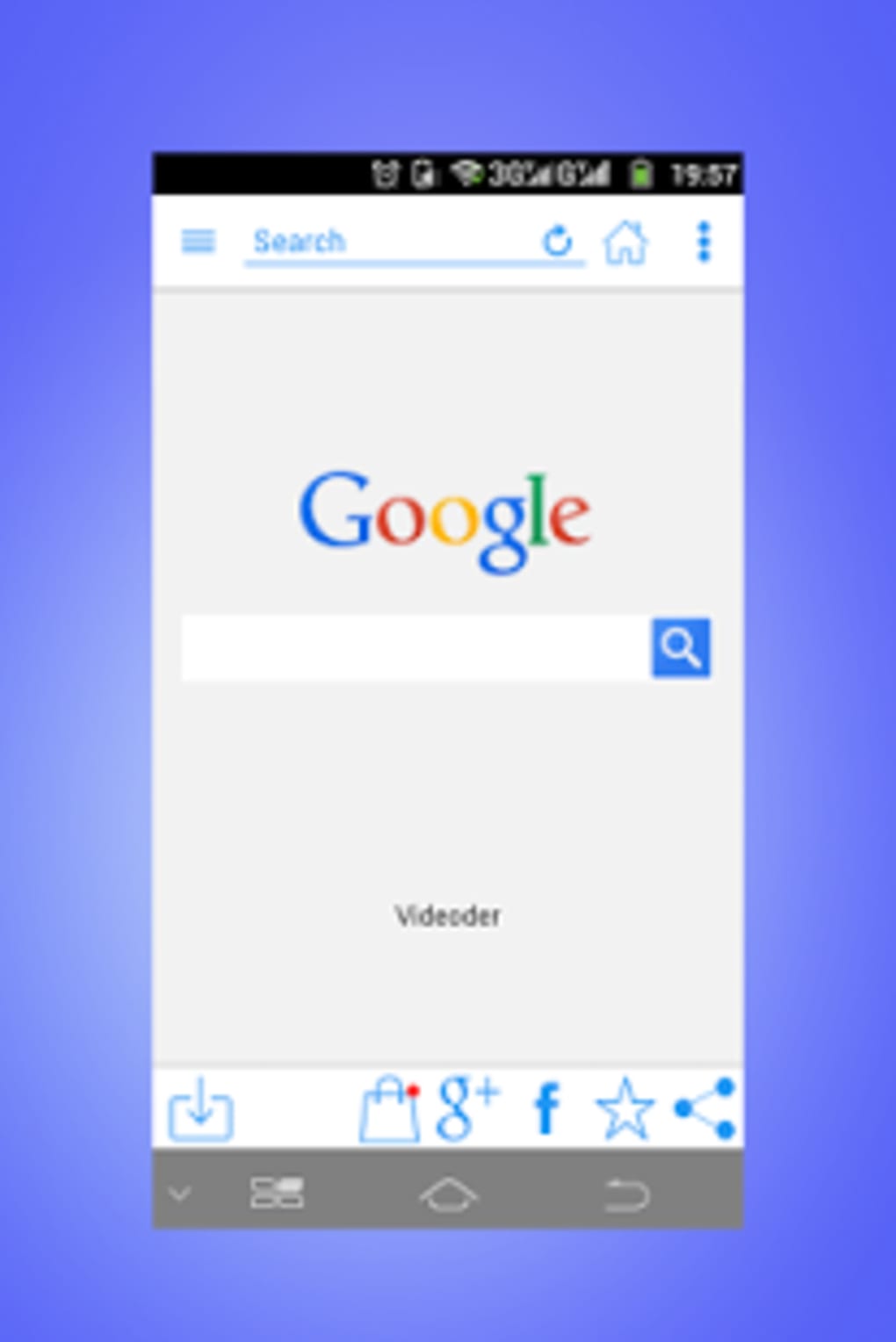
- Launch Videoder and locate the search bar at the top of the main screen.
- Enter a keyword (e.g., “latest tech review”) or paste a direct URL from a supported streaming site.
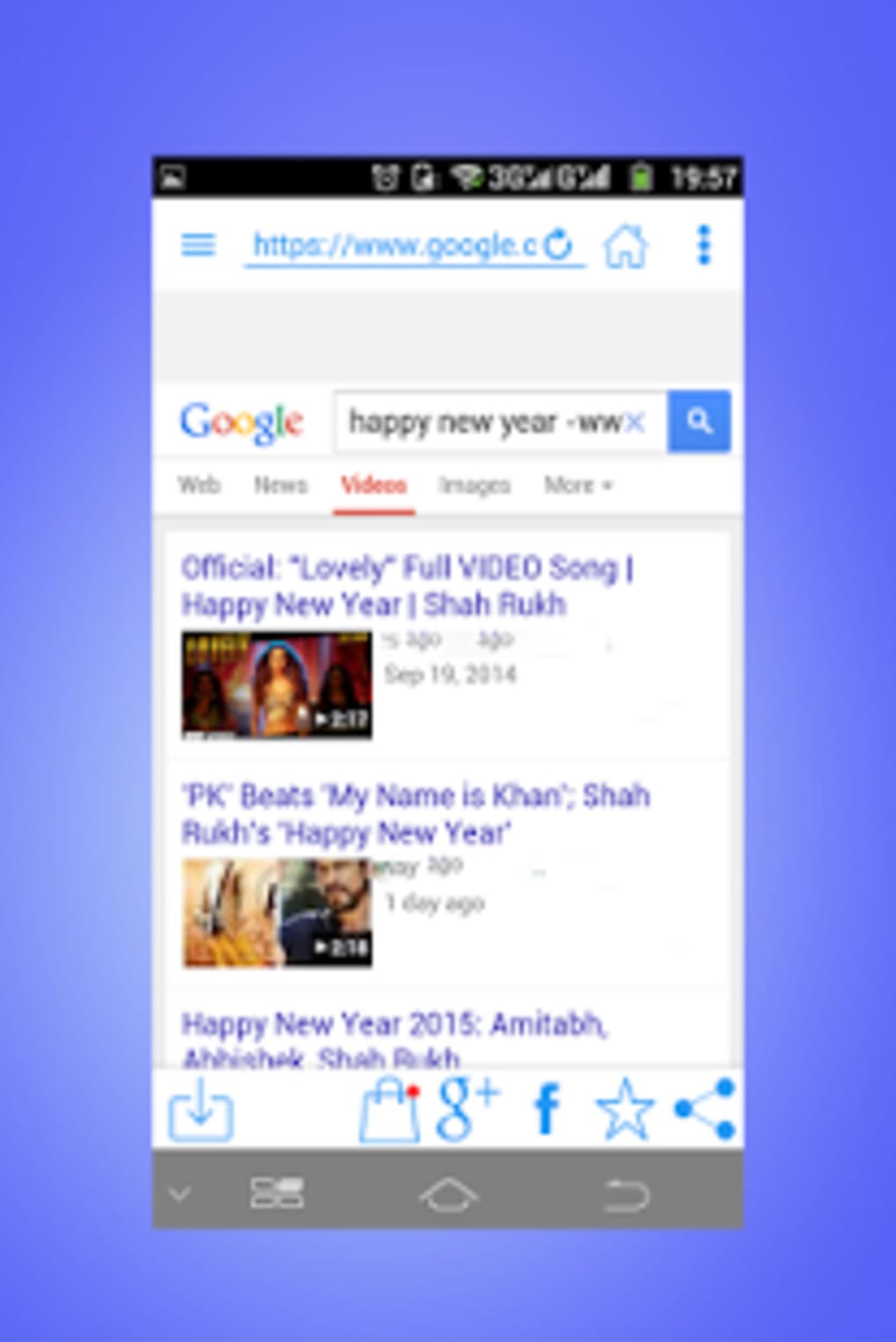
- Press “Search”. The app will pull results from all linked services and display thumbnails with basic metadata.
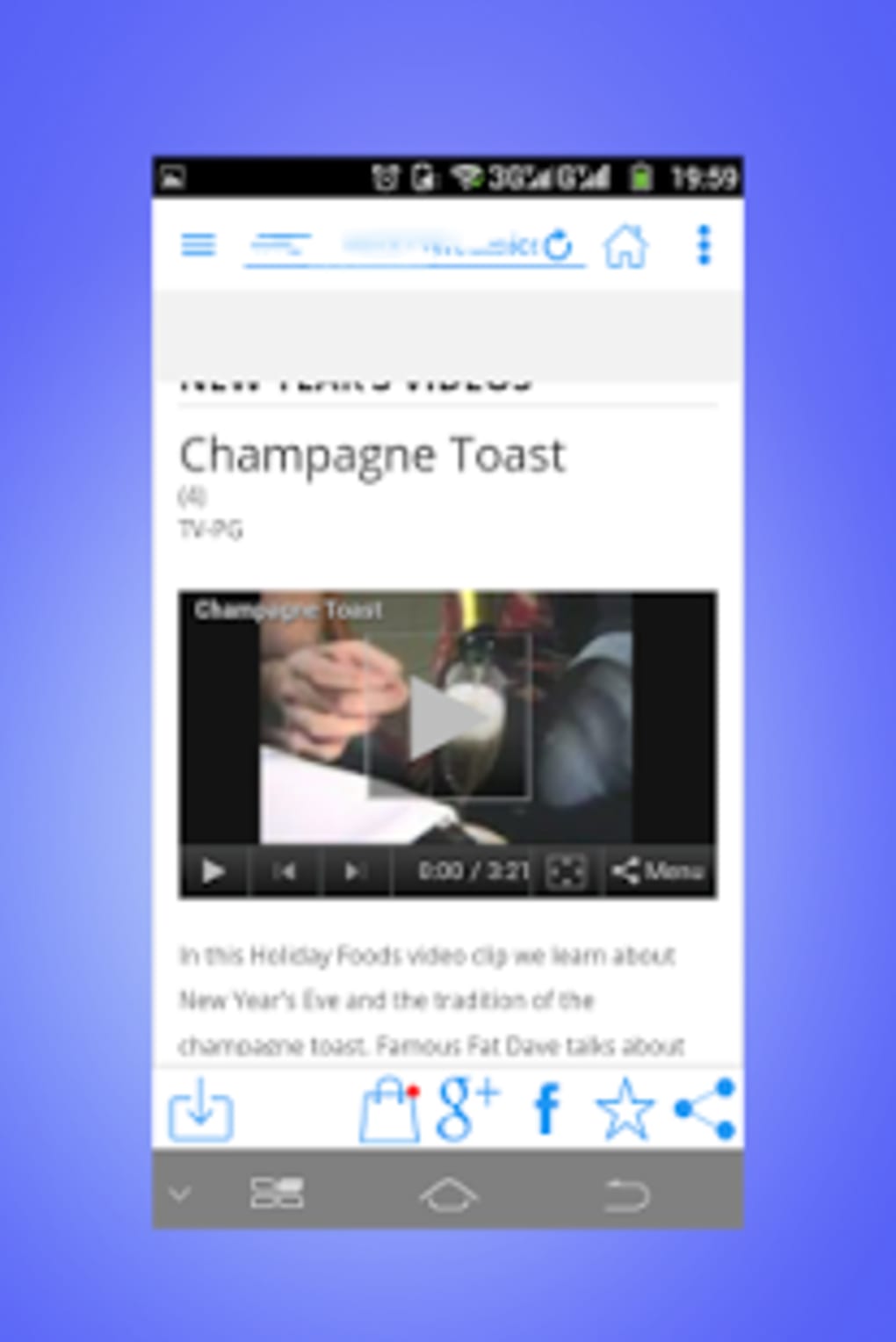
- Select the desired video. A new window opens showing available formats, resolutions, and audio‑only options.
- Choose your preferred format (e.g., MP4 1080p) and optionally set a custom file name.
- Tap “Download”. A progress bar appears, and you can monitor speed, estimated time, and file size.
- When the download finishes, you’ll find the file in the default “Videoder” folder, or any custom location you set in Settings.
Conversion Made Simple
After a video is saved, you can convert it without leaving the app. Open the file, tap “Convert”, select the target format (e.g., MP3 for audio only), and hit “Start”. The conversion runs locally, preserving privacy and ensuring speed. Once done, the new file appears alongside the original in your library.
Compatibility, Pros & Cons
Videoder supports the following operating systems:
- Windows 7, 8, 10, 11 (64‑bit)
- macOS 10.14 (Mojave) and later
- Android 6.0 (Marshmallow) and up
- iOS 13, iPadOS 13 and later
Pros
- All‑in‑One Search & Download: No need to toggle between browsers and third‑party sites.
- High‑Quality Output: Supports up to 4K video and lossless audio conversion.
- Cross‑Platform Sync: Same account can be used on mobile and desktop for a unified library.
- Secure & Private: Encrypted connections and local processing keep your data safe.
- Free Core Features: No hidden subscription required for basic downloading and conversion.
Cons
- Occasional lag on older Android devices when handling large batch queues.
- Free version includes limited non‑intrusive ads; premium upgrade removes them completely.
- Some niche streaming sites may require manual URL entry due to API restrictions.
- Conversion speed depends on device hardware; high‑resolution files need a powerful CPU.
Frequently Asked Questions
Is Videoder really free to use?
Yes, the core download and conversion features are completely free. The free version includes occasional non‑intrusive ads, and a premium subscription is optional for an ad‑free experience and priority updates.
Can I download videos from any website?
Videoder supports over 30 major streaming platforms out of the box, including YouTube, Vimeo, Dailymotion, and SoundCloud. For sites not in the built‑in list, you can still paste the direct URL and attempt a download; success depends on the site’s technical restrictions.
What file formats can I convert to?
The converter handles popular video formats (MP4, MKV, AVI, FLV) and audio formats (MP3, AAC, WAV, OGG). You can also keep the original format if you prefer not to convert.
Is there a limit on download size or length?
The free version has no explicit size or length caps, but very large files may take longer to process, especially on low‑end devices. Premium users get priority server bandwidth for faster handling of huge files.
How does Videoder keep my device secure?
All downloads use HTTPS encryption, and the app runs in a sandboxed environment that isolates downloaded files from system directories. The built‑in malware scanner checks each file before it’s saved, reducing the risk of malicious content.
Conclusion – Should You Download Videoder?
Videoder Video Downloader App delivers on its promise of a fast, secure, and feature‑rich solution for pulling videos and music from the web. Its unique search engine, extensive format support, and cross‑platform availability make it stand out in a crowded market. While the free version includes modest ads and older Android devices may experience slight lag with massive batch jobs, these downsides are outweighed by the convenience and flexibility the app provides.
Whether you’re a content creator needing quick offline assets, a student gathering lecture videos, or simply someone who enjoys building a personal media library, Videoder equips you with the tools to do it without a steep learning curve. Ready to try it? Download Videoder now and start saving your favorite videos in seconds.



.png)



